Claude Sheets: Build the Tracker With AI, Then Check the Formulas
- AI
- Guides
- Claude Sheets
- Spreadsheets
- AI productivity
- Written by
- Bhargav Tibadiya
- Published
- Reading time
- 8 min read
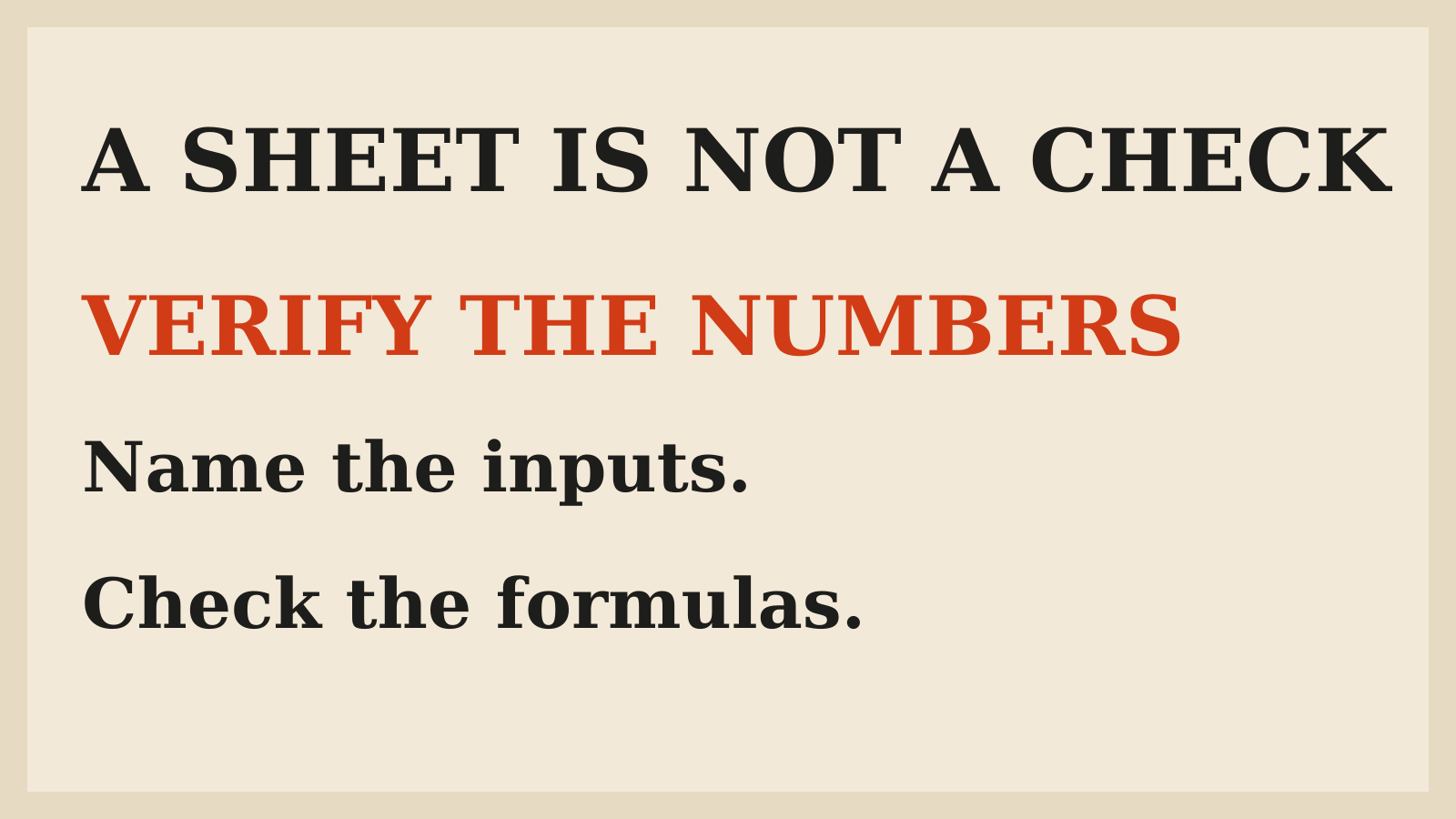
Claude Sheets lets you and your team build and edit a spreadsheet with Claude, including tabs, formulas, formatting and dropdowns. It is a useful new place to start a tracker, but a generated budget is not a checked budget. Anthropic describes the current functionality as simple and points users to Excel export or Claude for Excel when they need more[1].
The beta launched with Claude Whiteboards and updates to Claude Data on November 10, 2026. The practical change is that the spreadsheet can remain a shared working object rather than a file generated once and copied into another app.
This guide is based on documentation and launch coverage checked November 11. I have not built a sheet in the product or tested its exported formulas. The campaign tracker below is an illustrative evaluation task, not a reported result.
What Claude Sheets adds
Claude can create a sheet from a request such as a campaign tracker or hiring budget. The documented feature set includes multiple tabs, formulas, formatting and dropdowns. It can then edit cells alongside the team, outlining its changes so collaborators can see what it did[1].
That is different from asking a chat assistant for a block of CSV and treating the download as the end of the work. A shared sheet can be refined as assumptions change. Independent launch coverage also describes collaborative editing and exporting to Excel[2].
The benefit still depends on the job. A simple planning sheet is a reasonable first trial. A critical financial model with established validation and reporting requirements deserves a separate compatibility assessment, not an assumption that the new beta has every function your team uses.
Check plan and admin access first
Anthropic says Sheets, Whiteboards and Data are available on paid plans and work on web, desktop and mobile. The products have different requirements: Claude Data needs a connector, whereas Sheets is the spreadsheet artifact[1].
On Team plans, the announcement says all three are on by default. On Enterprise, Sheets and Whiteboards are off by default; Data has its own enablement timing. If the option is missing, check the organization's setting rather than repeatedly asking Claude to create a feature the account cannot access.
Do not confuse a new artifact with permission to upload company records. Use the account and workspace approved for the information involved. A trial with synthetic sample data can answer many workflow questions before any sensitive data is added.
Also separate access from publication or sharing. Being able to create a spreadsheet does not establish who should receive it or whether the contents are ready for a wider audience.
Start with a specification, not a vague budget request
For a proposed campaign tracker, define the job before asking Claude to build. Name the period, currency, columns, calculation rules and what each status means. Decide which cells are inputs and which should be calculated.
An illustrative brief might ask for campaign name, owner, planned spend, actual spend and remaining budget, with remaining budget defined as planned minus actual. That is a proposed structure, not evidence of the product's exact output or a recommended accounting policy.
Tell it what not to infer. If a cost is missing, leave it unknown rather than zero. If the currency is unspecified, do not combine amounts. If the sheet needs tax or exchange-rate handling, provide the rule or keep the decision unresolved.
The more consequential the result, the more useful this small specification becomes. A spreadsheet can look coherent while answering a different question from the one the team meant to ask.
Review inputs before reviewing totals
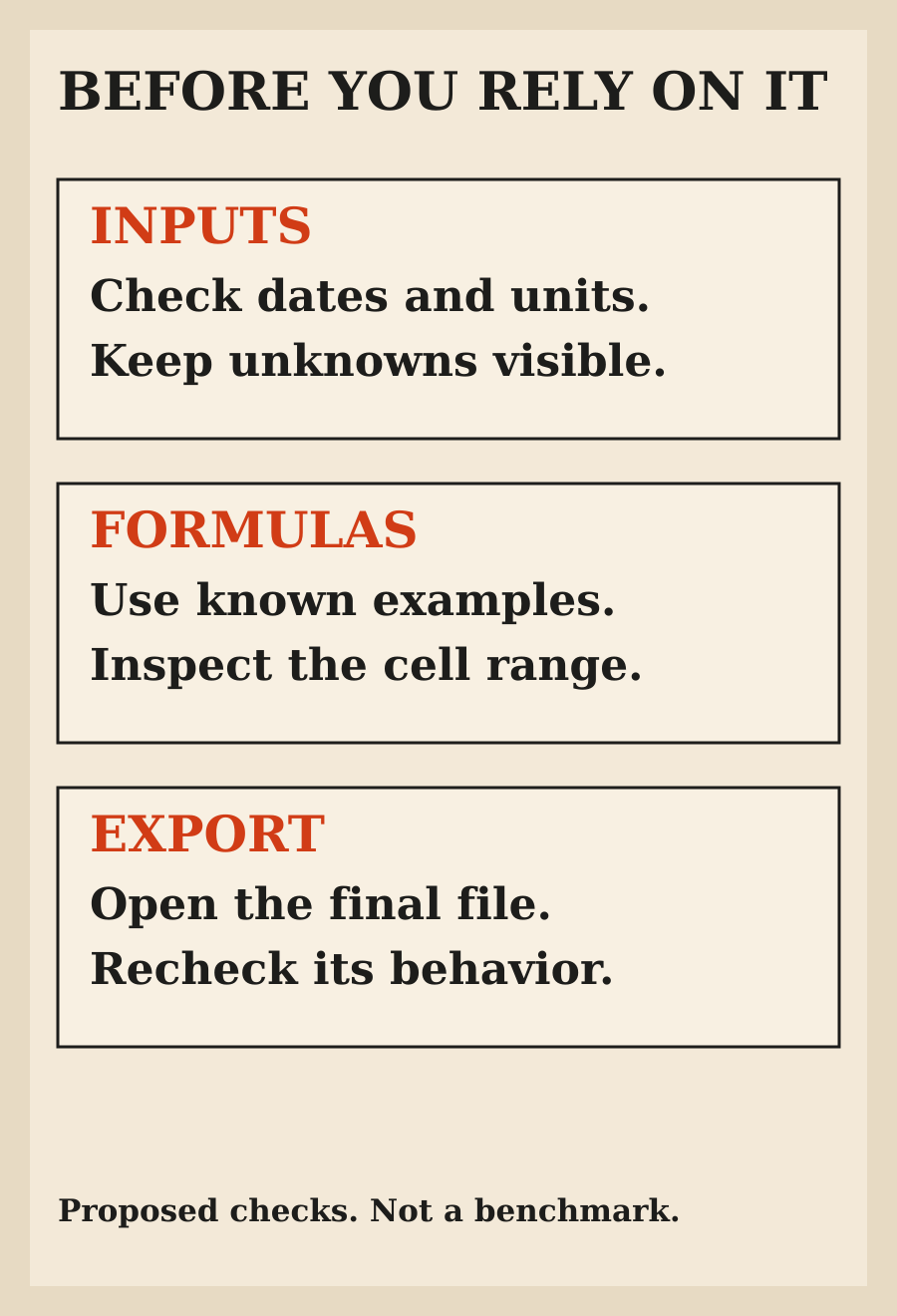
The first check is whether the data means what the sheet thinks it means. Dates, currencies, units, blank values and duplicated rows can change the result before a formula does anything wrong.
Use a few known examples. Include an ordinary row, a missing value and a case that should produce a warning or an exception. Keep the expected result outside the generated sheet so you are not asking the same system to invent both the calculation and its proof.
Do not make every blank cell silently become zero for presentation. In a tracker, unknown spending and no spending are different states. The right handling depends on the decision the sheet will support.
Ask Claude to identify assumptions separately from source values. Then have a person familiar with the work confirm those assumptions. A polished heading is not a reason to accept an invented input.
Check formulas independently
For the illustrative remaining-budget calculation, verify a normal positive remainder, a fully used budget and an overspend. If planned spend is 100 and actual spend is 120, the remainder is negative 20, not a reassuring blank or zero. Those numbers are illustrative arithmetic, not measured product performance.
Look at which cells each formula references. A total can be numerically plausible while excluding a row or referencing a previous tab. After adding a row, check that the calculation still includes the intended range.
If the sheet has multiple tabs, test a change at the source and inspect the downstream value. If a dropdown controls status, check that the meaning remains clear when a field is blank or a new value is introduced.
The launch documentation establishes that formulas and tabs exist; it does not establish how a particular sheet behaves under every edit. Treat these as acceptance checks for your own artifact, not as claims that this beta has already passed them.
Make collaboration understandable
Anthropic says Claude outlines its cell edits and that the sheet can be shared with teammates[1]. Use that visibility to review changes, not as a substitute for deciding who owns the model.
A useful working agreement names who maintains source values, who can change formulas and who approves the final numbers. If everyone can edit, distinguish an ordinary data update from a change to the calculation logic.
After a significant edit, ask for a short explanation of which formulas or assumptions changed. Compare it with the actual cells. The explanation should help you inspect the result, not become the sole record that the sheet is correct.
For a small team, this can be simple. One owner for the assumptions and one named review before a decision may be enough. The aim is to avoid a spreadsheet whose numbers change while everybody assumes somebody else checked them.
Export when the destination needs more
The current announcement explicitly describes simple spreadsheet functionality and supports .xlsx or CSV export for work that needs more. It also points to Claude for Excel and partner tools as other routes[1].
Choose the destination according to what the job needs. Do not assume an export carries every feature, formatting choice or interaction exactly as it appeared in the source. The announcement is not a complete compatibility matrix.
Open the exported file in the tool where it will actually be used. Check the formulas, dates, numeric types and important values there. A successful download proves that a file exists, not that the receiving tool interprets every part as intended.
If the sheet will feed another process, verify that process separately. A readable spreadsheet and an import-ready dataset have different requirements. Keep the authoritative copy clear so that later changes do not split across two competing versions.
Do not confuse Sheets with Claude Data
Claude Data, formerly Claude Dashboards, connects to systems such as warehouses or CRMs. The announcement discusses certified queries, live sharing and caching in that product. Those details should not be assumed to describe every spreadsheet created in Sheets[1].
This distinction matters when somebody asks whether a tracker is live. A manually supplied value, a generated formula and a query-backed dashboard have different update paths. State where the numbers came from and when they were checked.
If you need continuously refreshed business metrics, evaluate the relevant connector and Data workflow. Do not call a spreadsheet current merely because it was generated during a recent conversation.
The same source discipline matters in the Claude personal-finance guide: access to information does not remove gaps, delays or the need to understand its boundaries.
Keep the first trial reversible
Use sample information, retain a known starting version and avoid connecting a critical downstream process for the first test. Define what would make the trial useful: less setup work, an easier collaboration loop or a tracker that people can maintain without constant correction.
Do not judge it by the first screenshot. Inspect the sheet after a teammate changes an input, after a new row is added and after export. Those are proposed checks, not claims about product failures.
Then count the work you still had to do. If setup was quick but every formula needed rebuilding, the result may not be a saving for that task. If the sheet was easy to verify and maintain, it may be a useful starting point even without replacing your existing spreadsheet tool.
The guide to verifying an agent's final state applies here too. The useful completion is the checked artifact in its intended workflow, not an assistant saying the tracker is ready.
My recommendation
Try Claude Sheets for a bounded collaborative tracker with clear inputs and calculations. Give it a short specification, verify known examples and inspect the exported file if that is where the work will continue.
Keep established tools for features and controls you have not confirmed in the beta. The strongest case for a generated spreadsheet is less routine setup with understandable numbers, not an untested promise to replace Excel.
FAQ
What is Claude Sheets?
It is a collaborative spreadsheet artifact that Claude can create and edit with you, including tabs, formulas, formatting and dropdowns.
Is Claude Sheets a full Excel replacement?
The current announcement calls its functionality simple and points to export or Claude for Excel for more demanding spreadsheet work. Evaluate your required features rather than assuming full parity.
Can I export a Claude Sheet?
Anthropic documents .xlsx and CSV export. Open the result in the destination tool and verify the values and behavior needed for your workflow.
Is Claude Sheets available on free plans?
The launch announcement places it on paid plans. Organization settings can also affect whether it is enabled.
Does an AI-generated formula need checking?
Yes. Verify input meaning, cell references and known examples, especially before a financial or operational decision.
Did you test a generated tracker in the product?
No. This is a documentation-based guide with illustrative acceptance checks, not a report of a live sheet or export test.