Your AI-Built App Works. Is It Ready for Paying Customers?
- AI Coding Tools
- AI app development
- Lovable
- SaaS
- Security
- Written by
- Bhargav Tibadiya
- Published
- Reading time
- 8 min read
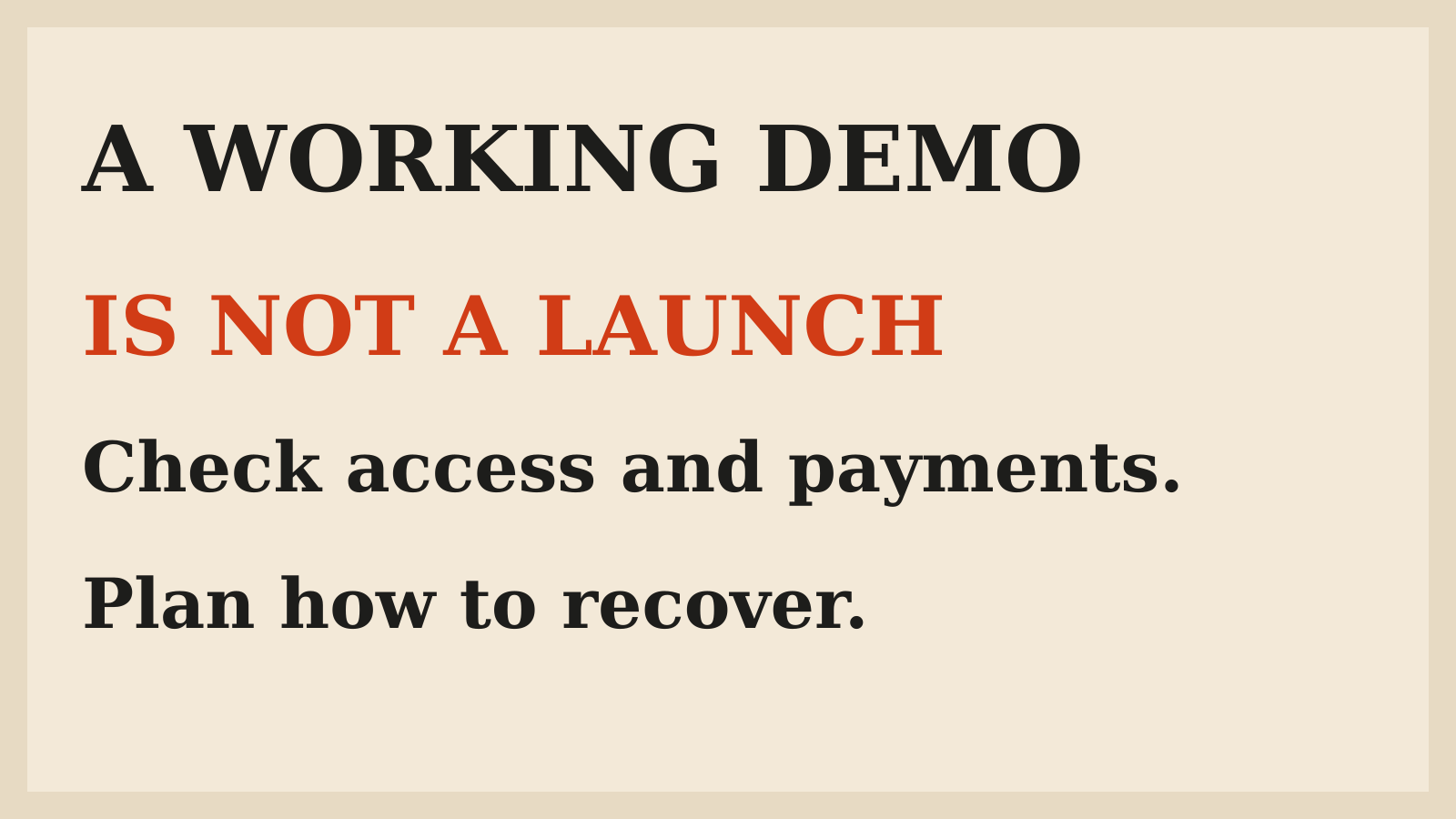
Before taking money for an AI-built app, I would check four things: customers can access only their own data, payment results cannot be faked, secrets stay off the client, and someone can recover when the app fails. A polished preview does not answer those questions.
This matters more as app builders connect directly to business operations. Lovable's November 8 update added a PayPal connector for checkout, capturing approved orders, refunds and order details. Its November 7 update added an Enterprise policy for approving backend activation[1]. The distance between a generated screen and a real customer transaction is getting shorter.
The right response is not to distrust every AI-built app. It is to separate a convincing demonstration from a release you can explain and support. This guide uses Lovable's current documentation as a concrete example. It is a documentation-based launch checklist, not a penetration test of Lovable or a claim that every builder has the same controls.
Start with one customer journey
Write down the smallest useful journey a paying customer will complete. For a client portal, that might be signing in, seeing one project, uploading a file and returning later to read a response. For a booking product, it might be selecting a slot, paying and receiving a confirmed booking.
Follow that journey with a clean account, not the founder account that already owns every record. Check the empty state, a failed request, a repeated click and a return visit. A screen that works with your seeded data may behave differently when a new customer has no history or an interrupted session.
Keep this first launch narrow. Fewer supported journeys mean fewer promises to verify and fewer unexpected paths to support. A small product with clear limits is easier to trust than a large demo with unexplored edges.
Check who owns each record
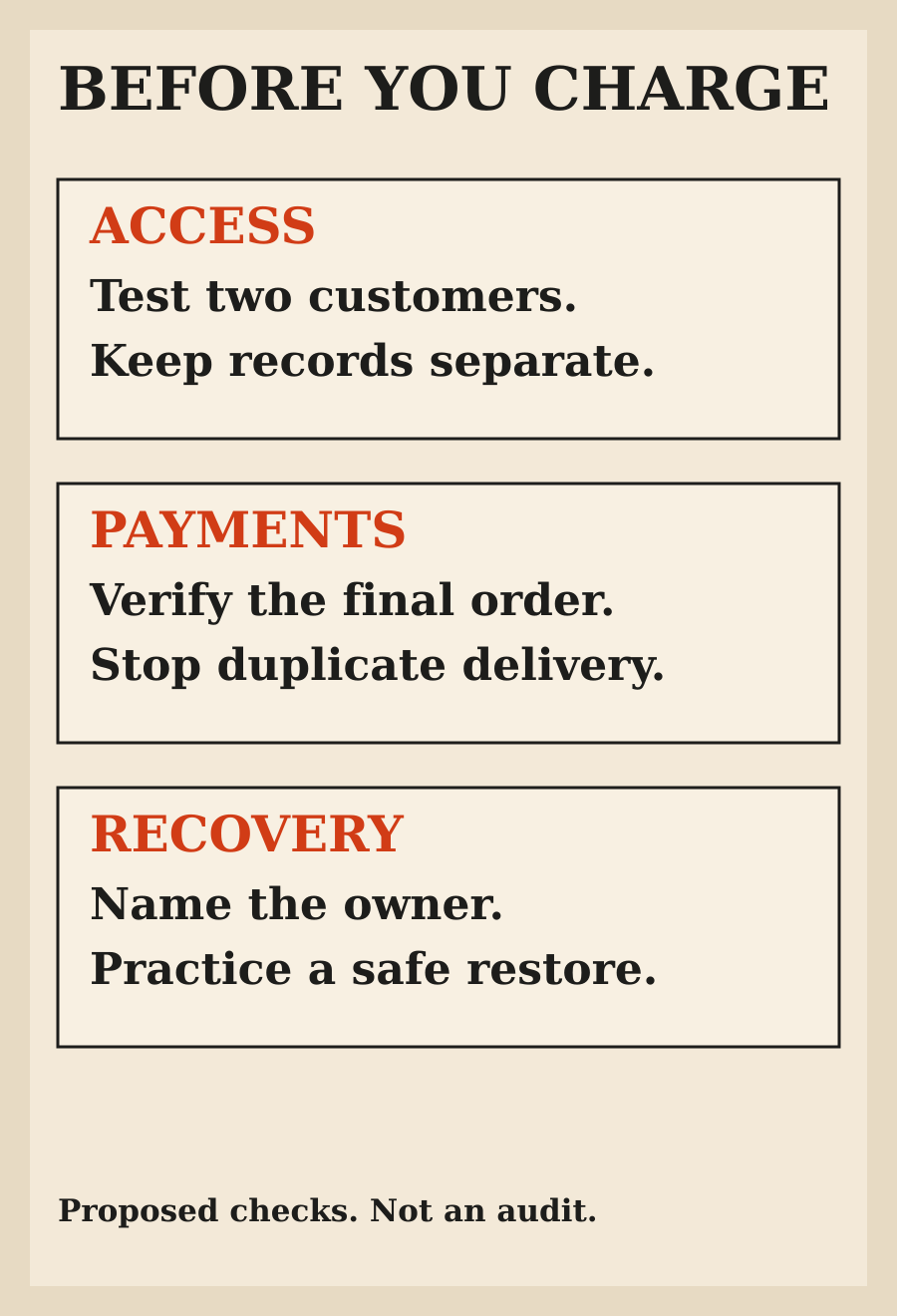
Create two test customers with different records. Sign in as the first and try to reach the second customer's project, attachment or invoice. Check both the page and the underlying request. Hiding a button is not an access rule.
For a team product, add a member and an administrator. Test the differences you actually promise: who can invite people, change billing, export records or remove an attachment. Repeat a check after removing a member, rather than assuming the old browser session lost access immediately.
Lovable's Quick scan checks database access rules and settings, including missing row-level security and rules that let everyone through. Its Deep scan also looks for application-specific authorization problems, including server code that bypasses database rules[2]. Those are useful checks. They are not proof that your particular customer roles match your intended business rules.
Treat the payment screen as the beginning
A successful checkout animation is not a confirmed paid order. Trace the result from the payment provider into your own records and then into whatever the customer receives.
Use the provider's supported test environment before real transactions. Check an approved payment, a declined attempt and a customer leaving halfway through. Make sure a delayed confirmation does not cause you to deliver twice or charge again because someone refreshed the page.
The recent Lovable PayPal connector supports several distinct operations, including creating a checkout, taking money after buyer approval and issuing refunds[1]. Do not collapse them into one assumption that connecting PayPal makes the entire selling workflow correct. Your product still needs to decide what counts as paid, when access begins and what happens after a refund.
Keep prices and entitlements on the server
The browser is where a customer interacts with your product. It should not be the authority deciding what the customer owes or whether a paid feature is unlocked.
Ask the person reviewing the app to test whether a changed request can alter the price, select a different account's purchase or unlock a feature without a verified payment. These are proposed checks, not attacks I performed for this article.
Lovable includes payments and billing in its Deep scan areas, specifically prices, fulfillment and paid features a customer could change or reach without paying[2]. Use findings as a starting point for review. The question is whether your complete order-to-access flow behaves correctly, including repeated or out-of-order events.
Find the secrets before the customers do
Review what the generated frontend sends to the browser. A backend service credential or privileged token should not appear in a client bundle, public configuration file or error message. Also inspect repository history and the logs you plan to share with support.
If a secret has been exposed, removing it from the latest file is not enough. Rotate or revoke it through the provider and check what it could access. Keep the investigation separate from the cosmetic task of making a scanner warning disappear.
Lovable's Deep scan includes leaked secrets and credentials, while its security overview describes API key protection and optional security integrations[2]. Still, the app owner has to know which account each integration uses and whether its permissions are wider than the feature requires.
Inspect the data you collect
List the personal information the app receives, where it is stored and who can retrieve it. Include uploads, analytics, support messages and error reports. A form can be short while its connected services retain much more than a customer expects.
Remove fields you do not need. Use artificial test records during development, especially for health, financial or identity information. Do not paste a real customer's file into an assistant merely because it helps reproduce a bug.
Write your customer-facing explanation from the actual data flow. If you cannot explain where an uploaded document goes, that is a launch question to settle, not wording to fill with a generic promise about privacy.
Choose an audience deliberately
Preview access, project access and published-app access are different questions. A colleague who can open the app may not need to edit its project. A developer who can build it should not necessarily approve its public release.
Lovable's November 6 update lets someone outside an internally published app's audience request access. Approval adds the person to the app audience, not the project[1]. That distinction is worth preserving in your own operating plan: using the product is not the same permission as changing it.
Before sending a customer link, open it in a signed-out browser and with the least-privileged test account. Confirm which parts are intentionally public. Review indexed pages, downloadable files and error routes as well as the happy-path home screen.
Know what the scanner checked
Lovable documents two built-in scans. Quick scan runs automatically when publishing and includes database checks, dependency vulnerabilities and an exposed unauthenticated MCP server check. Deep scan reviews the application code for risks involving authorization, endpoints, input handling, credentials, billing and sensitive data[2].
Read the findings and their scope, not only a green status. A dependency check cannot decide whether your refund policy was implemented correctly. A code review can miss a broken connection in the running deployment.
Lovable explicitly says its tools do not replace a thorough security review and recommends additional professional review for sensitive data or critical functionality[2]. Take that boundary seriously. A small internal task tracker and a product handling medical records do not deserve the same release process.
Prepare for the first failed order
Decide who notices a failed payment, a stuck upload or a broken sign-in. A customer should not have to discover that nobody watches the support address.
Keep enough diagnostic information to connect a customer report to an operation without recording unnecessary sensitive content. Give the support person a way to distinguish an attempted action from a confirmed one. A useful status says whether an order is waiting, paid, fulfilled or refunded, rather than showing a single ambiguous success flag.
Practice one recovery using test data. Can you stop new purchases, restore the previous release or disable a failing integration? Can you explain to a customer whether money moved? Write down the route while the app is calm, not during the first urgent report.
Verify backups by restoring something
A backup checkbox does not show that your team can recover the record it needs. Confirm what is backed up, how often, how long copies remain and who can restore them under your actual hosting plan.
Test a restore into a safe environment. Check both structured records and uploaded files if your product needs both. Note what would be lost between the last backup and a failure, and decide whether that loss is acceptable for the launch you are planning.
Do not borrow a backup promise from a different plan or deployment mode. If you have not verified the recovery route, describe it as an open requirement rather than assuming managed hosting settles it.
Launch with a stop condition
The first release should have an owner, a limited audience and clear reasons to pause. Examples include a customer seeing another account's data, payment status disagreeing with access, or failures you cannot reconcile with provider records.
Measure the work customers are trying to finish. A growing sign-up count tells you little if users cannot complete their first order. Review support effort and manual corrections alongside traffic, because those are part of operating the product too.
AI can shorten the path to a working app. It does not remove the business decisions around customer access, money and recovery. Before widening the audience, make sure the real workflow is as convincing as the demo.
FAQ
Can an AI-built app be ready for paying customers?
Yes, but a working preview alone does not establish readiness. Review the actual customer workflow, data access, payment confirmation and recovery process before making a public promise.
Does a successful security scan mean the app is secure?
No. Automated scans can identify important problems, but their coverage is limited. Review application-specific business rules and consider professional security help when sensitive data or critical functions are involved.
What should I test before adding payments?
Test approved, declined, interrupted and repeated attempts. Check the provider's final record, your own order state and the customer's access or fulfillment result, including what happens after a refund.
Is hiding an admin button enough to protect a feature?
No. The server must enforce the permission. A user should not be able to perform a forbidden operation by sending a request directly or changing an identifier.
Should I launch every feature at once?
A narrower launch is easier to verify and support. Start with a complete customer journey, clear limits and a recovery plan, then expand when you understand real usage.
Did you security-test Lovable for this guide?
No. This is a documentation-based checklist using Lovable's published capabilities as examples. It is not a product audit, penetration test or certification.
Sources
Elsewhere on this site
Cursor Build Live Apps covers the path from a coding task to a reviewed live link. How to Reduce AI Hallucinations addresses checking claims and sources before relying on generated work.