ChatGPT Images 2.6: Turn a Product Photo Into a Campaign
- AI Coding Tools
- ChatGPT
- Image generation
- Marketing
- Small business
- Written by
- Bhargav Tibadiya
- Published
- Reading time
- 9 min read
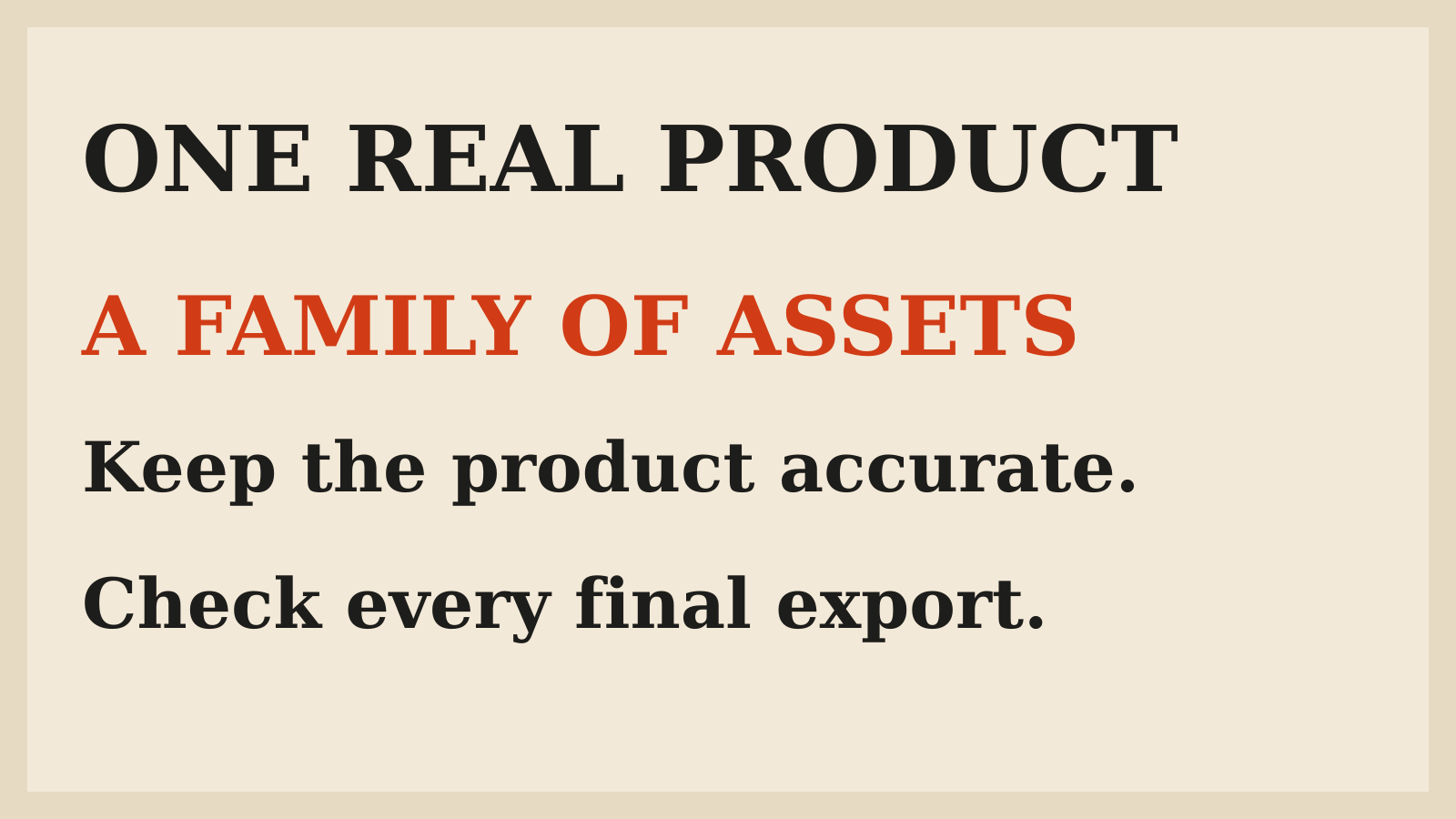
ChatGPT Images 2.6 can help turn a product photo into a set of campaign ideas, still images and animated GIFs. The useful starting point is a real reference and a clear brief, not a request to invent the whole campaign at once. Decide what the product must look like, which details may change and where the final image will appear.
OpenAI announced Images 2.6 on November 4, 2026, with faster image generation, GIFs and more editing controls. Its announcement says the update is available globally in ChatGPT and Codex across subscription tiers, with Flare and Sunburst models also available in the API. This guide checks those published descriptions as of November 10. It is not a hands-on test, an API benchmark or a claim that a generated campaign will sell more. [1]
A campaign needs a reference before it needs a prompt
A product photo carries information a vague description does not: the shape of a bottle, the position of its label, the number of buttons on a device, or the stitching on a bag. Treat that information as the reference for the campaign rather than an invitation to redesign the item.
Before uploading, choose a photo you have the right to use. Use a clear view of the actual variant being sold. If you provide several views, explain which one controls the shape, which one shows the label and which details cannot be invented. Keep confidential customer material and unreleased product information out of a casual experiment unless your business has approved that use.
Write a short preservation list. For a fictional tea brand, that might mean the package color, label wording, logo position and packet size stay fixed. The background, lighting and decorative props may change. This is a proposed way to brief the work, not a guarantee that the model will preserve every detail.
What changed with Images 2.6
The launch combines several jobs that matter to a small marketing team: making an image, refining it and adding simple motion. OpenAI says Images 2.6 generates images 50% faster than before. That is the company's comparison, not a timing result measured for this article. A complex campaign brief, an edit and an export can take different amounts of time. [1]
The GIF feature is the most visible change for a reader using ChatGPT. The Verge reports that a prompt or uploaded photo can become an animated GIF, with controls to adjust playback speed and edit individual frames. Those are product capabilities, not evidence that an entire ad campaign can be approved without review. [2]
The practical opportunity is to explore related assets without starting over for every idea. The practical risk is to mistake a consistent-looking series for an accurate one. A logo can stay in the same place while the label text becomes wrong.
Separate ChatGPT from the API
For an owner making a few concepts, ChatGPT is the conversational starting point described in this guide. The API is a different route for a developer building an image workflow into a product or repeated process. Do not go looking for every named API parameter in the ChatGPT interface.
OpenAI names two API models. Flare is positioned for faster generation and improved layouts; the launch says it can generate an image in as little as six seconds at low quality. Sunburst is positioned for greater detail and stronger consistency across edits at medium or high quality. Those are conditional vendor descriptions, not a promise about every request. [1]
The same announcement brings image markup to the API, allowing a team to point to the area it wants changed, and introduces SVG exports. It also describes a complexity parameter. Availability of those capabilities does not establish the exact controls or limits shown in your own account. Check the surface you will actually use before committing a production process to it.
Brief one asset, then build the family
Start with the main still image. Explain the audience, the message and the placement. A product-page image, a social post and a wide email banner may need different compositions even when they belong to the same campaign.
Here is an illustrative brief for a fictional product, not a prompt I tested: "Use the uploaded tea packet as the product reference. Keep its shape, colors, logo and label unchanged. Create a calm morning scene with room beside the packet for a headline added later. Do not add ingredients, certification marks or extra packets."
That brief is useful because it separates visual direction from product facts. It also leaves the headline outside the generated product image. If the model cannot keep the package accurate, a safer fallback is to use the real product cutout in a conventional editor and generate only a background concept. A convincing redesign is still the wrong product.
Keep the offer outside the experiment
Settle the offer in ordinary text before turning it into artwork. Price, discount, dates, delivery conditions and availability should come from the business, not from whatever looks plausible in an image.
For an early concept, use a placeholder and make its status obvious. Before publication, replace it with approved wording and compare the finished file against that wording character by character. A visually neat headline can still contain the wrong percentage or an expired date.
Do not treat image generation as a source for factual claims about the item. A decorative leaf should not imply an ingredient that is absent. A badge should not imply certification. If you want to show a feature or benefit, confirm the underlying claim separately before it enters the image brief.
Edit one thing at a time
After choosing a composition, make bounded edits. Change the background while keeping the product fixed, then review the product again. Change the lighting, then check whether the label or material shifted. A request that changes everything makes it harder to tell which instruction caused a defect.
OpenAI says Images 2.6 is designed to keep products, characters and brand details more consistent across edits. Consistency is still something to inspect, not a reason to skip inspection. Save the accepted version before asking for the next variation. Compare against the original photo as well as the previous output. [1]
For a team, name the versions by purpose and approval state. "Email concept" and "approved email export" should not be interchangeable. Keep the real reference, the latest accepted still and the final export together so a reviewer can see what changed without reconstructing the conversation.
Add motion after the still is accurate
A GIF adds more opportunities for a product detail to drift. Settle the reference, composition and message first. Then ask for a small motion that supports the image rather than a complete scene change.
For a fictional desk lamp, an illustrative direction could be a gentle background-light transition while the lamp stays still. For a mascot, it might be a short wave with the same clothing and proportions throughout. These are examples of a bounded brief, not claims about results produced here.
The Verge's report describes speed adjustment and frame-by-frame editing in ChatGPT. Use that distinction in your review: inspect the animation as motion, then inspect the frames as images. Look for changing letters, duplicated parts, moving logos and a visible jump where the loop restarts. [2]
If the animation weakens product accuracy, keep the approved still. Motion is optional. A simpler, correct asset is more useful than a lively one that represents a different item.
Choose detail and complexity for different reasons
In the API, quality and complexity are separate controls in OpenAI's description. Quality concerns visual detail and fidelity. Complexity changes how much planning goes into the scene. More of either is not automatically better for every edit. [1]
OpenAI recommends low complexity for most editing tasks, paired with the quality the workflow needs. It suggests medium or high complexity for scenes with many elements or constraints. That is a useful starting recommendation for a developer testing a workflow, not a substitute for comparing actual outputs.
Evaluate the accepted result, not only generation speed. A fast image that needs several repairs may be slower to finish. A detailed image that changes the product may be unusable. Keep a small test set with representative product shapes, label text and backgrounds before deciding which settings belong in a repeated process.
Export for the place people will see it
Review the final file in its destination layout. A square social image and a narrow mobile banner can crop the same composition very differently. Keep essential product details and approved text inside the visible area rather than assuming every platform will preserve the full canvas.
OpenAI's announcement includes SVG export for downstream use on websites, apps and print. Do not assume an exported SVG is automatically a clean, production-ready logo or that every element will behave as editable text. Open the actual file in the intended editor or renderer and check its content and scaling. [1]
For a GIF, check the uploaded version too. The destination may display motion differently from the preview. Keep a useful still fallback and avoid putting an essential offer or instruction only in a fleeting frame. The campaign should remain understandable when motion is absent.
Count review work in the cost
The launch's all-tier availability statement does not mean unlimited generation or that API usage is included in a ChatGPT subscription. The announcement directs API users to separate pricing information. This guide does not quote a price or an account-specific generation quota. [1]
For a business trial, record which assets were accepted, which needed manual correction and which were discarded. Include editing, factual review, export work and revisions in the effort estimate. Do not call a workflow cheaper because its first draft appeared quickly.
A bounded first project could be one real product, one approved still, a few placement variations and an optional short loop. Compare that finished package with the work your team normally needs to do. That gives you a decision about your workflow, rather than a general claim about AI marketing.
Keep a person responsible for publication
Before an asset goes live, someone should compare it with the real product and approved offer. Check the spelling, product variant, color, quantity, logo, claims, dates and destination link. For motion, include every frame and the loop boundary.
That final approval is different from liking the concept. A designer may approve the composition while a product owner still needs to confirm the label. Make those responsibilities visible before the file enters a scheduling tool or paid campaign.
Images 2.6 gives teams more ways to explore and revise visuals. The useful workflow still ends with a correct product, an accurate message and a file that works where it will be published. Treat generation as part of production, not as proof that production is finished.
FAQ
What is ChatGPT Images 2.6?
It is OpenAI's November 2026 image-generation update across ChatGPT, Codex and the API, with GIF creation and additional editing controls described in the launch announcement.
Can I turn a product photo into a GIF?
The documented ChatGPT workflow supports creating a GIF from an uploaded image or a prompt. Review the product across every frame before using the result in a campaign.
Are Flare and Sunburst the same as ChatGPT settings?
No. They are the API models named in the announcement. Do not assume the ChatGPT interface exposes the same model choices or controls.
Does all-tier availability mean unlimited images?
No. Availability does not establish an unlimited quota, and API billing is a separate question. Check the current limits and pricing for the account and surface you intend to use.
Does SVG export guarantee a perfect editable design?
No. Inspect the exported file in the intended editor and at its final size. The existence of an export format does not prove that every element is correct or editable in the way you expect.
Did you generate a campaign to test this guide?
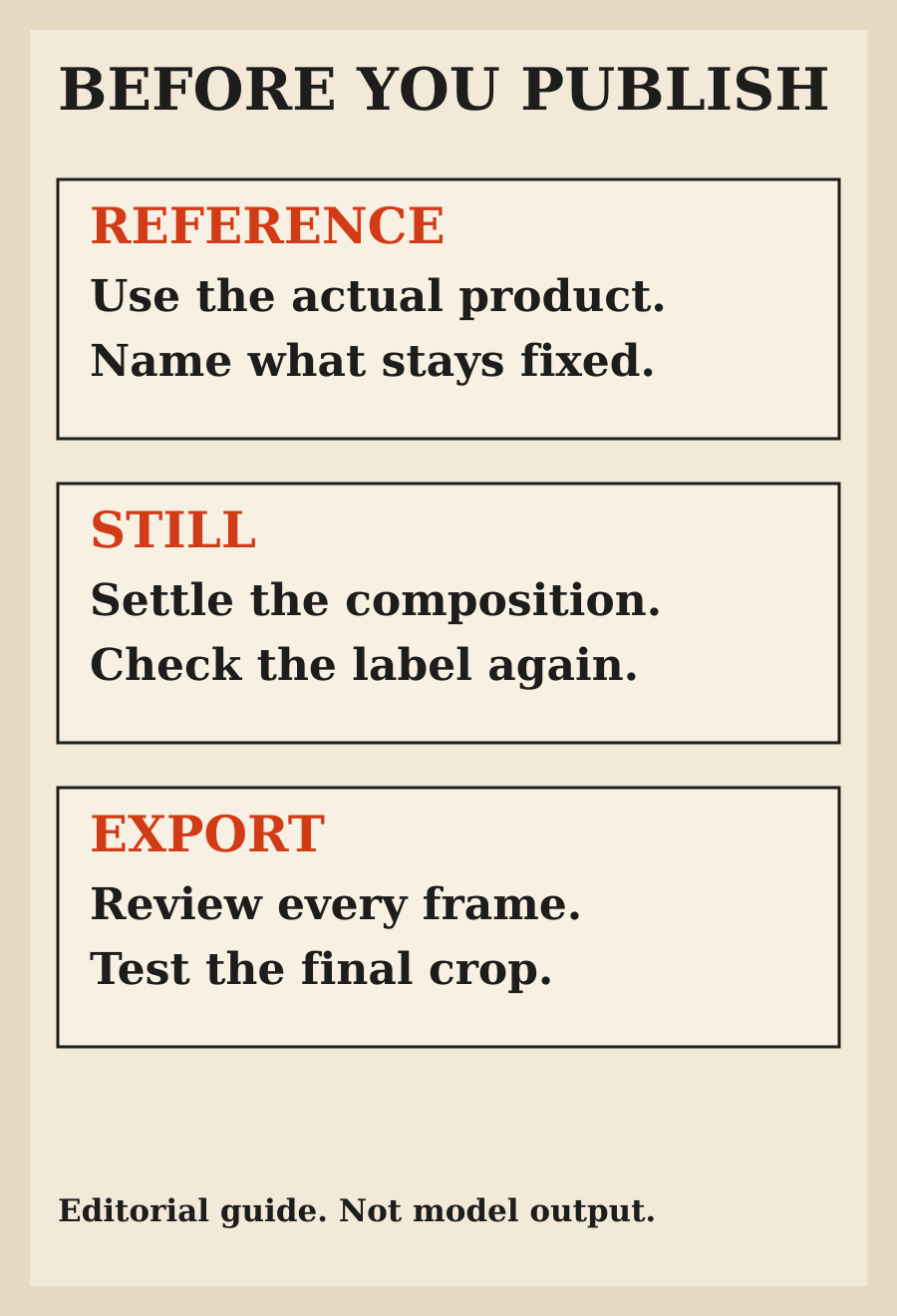
No. This is a documentation-based workflow guide. The prompts are illustrative, and the original diagrams explain review steps rather than showing tested Images 2.6 outputs.