Claude Code's Xcode Plugin: What Changed on November 6?
- AI Coding Tools
- Guides
- Claude Code
- Xcode
- MCP
- Written by
- Bhargav Tibadiya
- Published
- Reading time
- 7 min read
Claude Code's official plugin marketplace added an Xcode entry in a pull request merged November 6, 2026[1]. The current manifest names Apple Inc. as the plugin author and describes building, running and testing schemes, rendering SwiftUI previews, working with simulators and devices, reading diagnostics and searching Apple documentation[2].
The narrow news is the marketplace addition. It is not evidence that Claude could not work with Xcode before that date. Apple separately documents an MCP bridge for external agents to access an open Xcode project[3].
This article is based on the merged pull request, current marketplace manifest and official product documentation checked November 7, 2026. I did not install the plugin on a Mac or run an Xcode build. The exact minimum Xcode version for the marketplace command was not established from the sources inspected, so I do not invent one.
What actually merged?
The official repository's pull request number 6338 is titled "Add Xcode plugin (xcode)." It shows a merge timestamp of November 6, 2026 at 00:55:55 UTC[1].
That is a concrete event you can date. It establishes that the marketplace accepted the entry, not that every related Xcode capability was released that day or that every Claude Code user already has the necessary local setup.
When explaining this release to a team, keep three things separate: marketplace discovery, the plugin's local source and the Xcode capabilities that source exposes. Confusing those layers produces setup instructions that sound simple but fail on a different machine.
The manifest points to your local Xcode tools
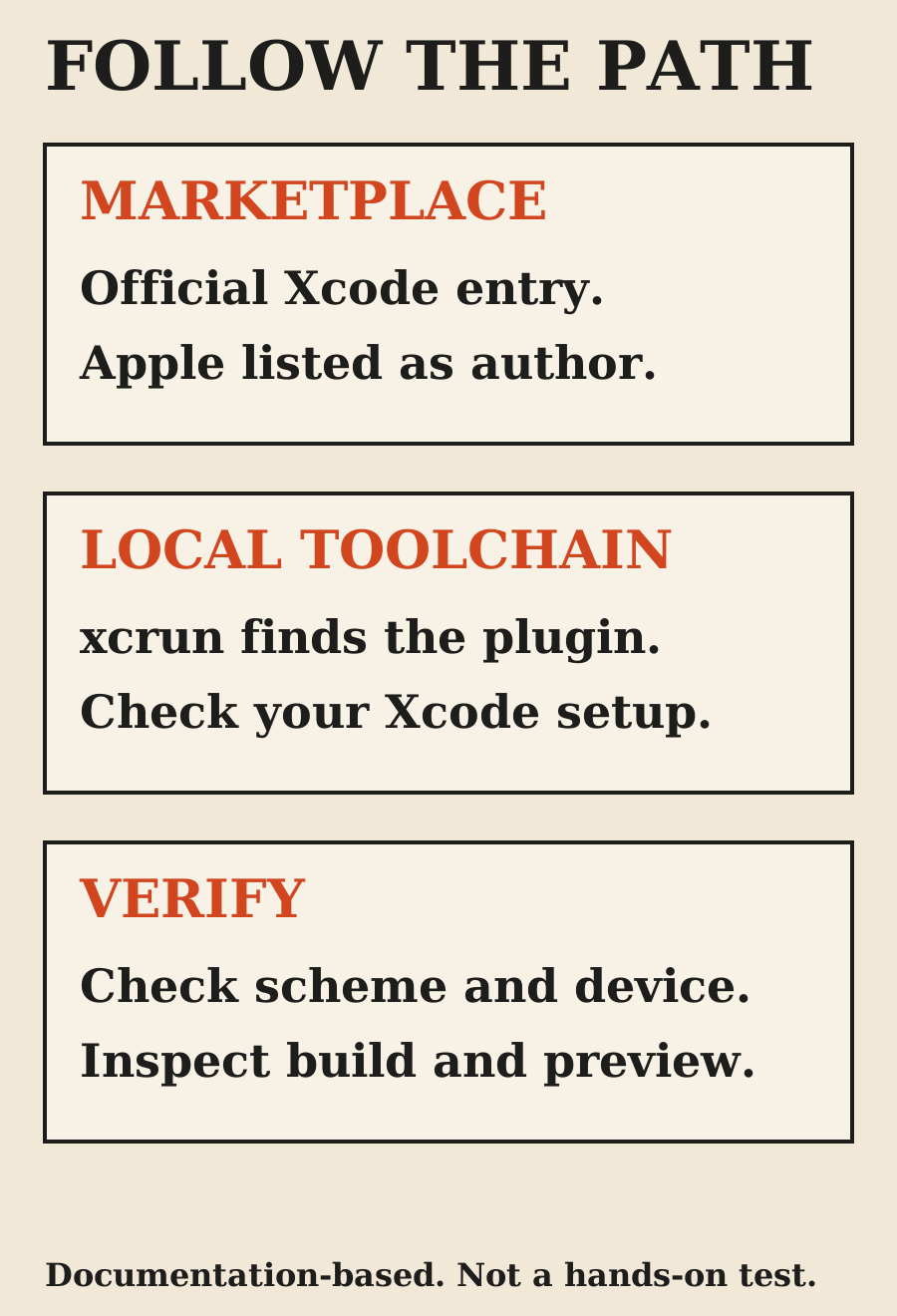
The current official marketplace manifest lists the plugin as `xcode`, with display name Xcode and Apple Inc. as author. Its source type is command, its mode is link and its source command is `xcrun agent plugin path --plugin-format claude`[2].
That differs from an entry containing all plugin files inside the marketplace repository. The command resolves a path through the local toolchain. Seeing the marketplace entry is therefore not proof that your machine has an Xcode installation that supports the command.
Do not copy the entry into an unrelated environment and expect it to provide Apple's development tools. For this workflow, local compatibility is part of the setup question. If the command is unavailable, inspect the installed Xcode and its documentation rather than substituting a third-party plugin with a similar name.
The manifest's description is also a capability list, not a benchmark. It does not establish that a given app builds successfully, that a simulator interaction is reliable or that the assistant chooses the right scheme without guidance.
Install through reviewable plugin controls
Claude Code's plugin guide documents marketplace installation and the ability to inspect plugin details before choosing an install scope. It warns that plugins can run hooks and MCP servers, so their components and trust should be reviewed[4].
Applying its documented name-and-marketplace syntax to this entry gives `/plugin install xcode@claude-plugins-official` inside an interactive session. In the current guide, that command opens the plugin details rather than silently completing installation; the user reviews the components and selects a scope[4].
That is a useful pause. Confirm the entry name, official marketplace and intended scope before continuing. A project-level setting affects collaborators differently from a personal installation, so do not commit a shared plugin configuration simply because a local trial worked.
I have not tested this installation command against an Xcode-equipped machine. Treat the command as documented syntax applied to the verified entry, not as a claim that installation was completed or that every prerequisite was satisfied.
The existing MCP bridge is a distinct route
Apple's external-agent guide describes enabling access in Xcode's Intelligence settings, configuring the agent to use the Xcode MCP server and opening the project before prompting the external agent[3].
Its Claude Code example is `claude mcp add --transport stdio xcode -- xcrun mcpbridge`. Apple then documents `claude mcp list` as a way to verify the configuration[3].
That is the manual MCP configuration path. It should not be presented as the internal implementation of every plugin component unless the plugin's contents establish that. The marketplace path-resolution command and the MCP bridge command are different commands serving different setup layers.
If you already have a working bridge, check what the plugin adds before changing the setup. Do not delete a known-good configuration merely because the marketplace entry is newer. Record existing server names and settings so a trial can be undone without guessing what changed.
External Claude Code and an agent inside Xcode are different contexts
Apple documents configuration folders used for agents launched inside Xcode and explicitly notes that those configurations only affect those Xcode-launched agents[5].
That matters when someone says "my Claude setup already works." They may mean the coding assistant inside Xcode, an external Claude Code terminal session, or a different editor integration. A working configuration in one context does not prove the same settings are loaded in another.
Apple's earlier Tech Talk describes agentic coding in Xcode 26.3, including builds, tests and documentation access over MCP[6]. That is useful historical evidence against framing the November 6 marketplace merge as the beginning of all Xcode agent support. It does not establish that the new marketplace command works in Xcode 26.3.
For a useful bug report, name the exact context, Xcode version, Claude Code version and command that failed. "Xcode AI is broken" hides the layer you need to inspect.
Permission settings are part of the integration
Apple's external-agent guide offers access settings including Always, While Xcode is Open and Never for external agents using Xcode tools[3]. Choose deliberately before connecting an assistant to an important project.
For a first trial, I would use a disposable branch and a small task with a clear stopping point. Ask for the selected project, scheme and run destination to be stated before a build or test. A successful build of the wrong target is still the wrong result.
Read the generated code diff separately from the build log. A plugin connection can make it easier for the assistant to exercise Xcode, but it does not authorize broad changes, release signing, device data changes or distribution of the app. Those remain separate decisions in your team's workflow.
What a useful first test would look like
I would start with an investigation rather than a feature rewrite: identify the cause of a known build failure, propose a small correction, rerun the same scheme and report the result. Keep the original failure output so the before-and-after comparison is meaningful.
For a SwiftUI change, require the actual preview or running interface to be inspected. Check the states that matter: long content, a narrow device, loading and errors. A source-level statement that the layout should fit is not rendered evidence.
For simulator interaction, state the device and expected behavior. Do not count a launched simulator as proof that the app's flow was exercised. Record which actions happened, which checks passed and which need a human or physical device.
These are proposed acceptance checks. No build, preview, simulator or device test was performed for this article, and no time savings or reliability percentage is claimed.
What remains uncertain
The verified facts are the merge date, current manifest contents and the official setup routes described above. The exact minimum version supporting the marketplace's path command was not established. Account-specific feature availability and plugin behavior on a particular Mac were not tested.
Do not fill that gap by borrowing a version number from an older MCP tutorial. The fact that a bridge worked in an earlier Xcode release does not prove that release contains the newer plugin-path command.
My recommendation is to treat the marketplace entry as a discoverable integration to evaluate on your own development setup. Keep the existing working configuration recoverable, inspect permissions and begin with one reviewable task.
FAQ
What changed on November 6?
The Xcode entry was merged into Claude Code's official plugin marketplace. Broader Xcode agent and MCP capabilities existed before that event.
Is the plugin authored by Apple?
The current official marketplace manifest names Apple Inc. as author. That statement comes from the verified manifest, not from a third-party listing.
Does the marketplace repository contain the whole plugin?
Its current entry uses a command source that resolves the plugin through local xcrun tooling, rather than pointing to a bundled plugin directory there.
Is the plugin the same as manually adding mcpbridge?
Do not assume so. Apple's manual MCP configuration and the marketplace's plugin-path command are distinct setup routes and layers.
What minimum Xcode version is required?
The exact minimum for the marketplace path command was not established in the inspected sources. Check the current local Xcode documentation rather than assuming the older bridge's version requirement applies.
Was the plugin tested for this article?
No. This is a source-based explanation of the marketplace change and setup boundaries, not a hands-on installation report.
Sources
- Add Xcode plugin - official marketplace PR 6338 (opens in a new tab)
- Official Claude Code marketplace manifest (opens in a new tab)
- Giving external agents access to Xcode - Apple (opens in a new tab)
- Install and manage plugins - Claude Code (opens in a new tab)
- Extending and customizing agents - Apple (opens in a new tab)
- Meet agentic coding in Xcode - Apple Tech Talk (opens in a new tab)
Elsewhere on this site
Read the Claude Code cost guide for billing paths, or the frontend assistant comparison for a review process that includes actual rendered evidence.