n8n Nod: A Personal AI Agent That Runs on Your Computer, With Costs to Watch
- AI Agents
- Guides
- n8n Nod
- Personal agents
- Open source
- Written by
- Bhargav Tibadiya
- Published
- Reading time
- 8 min read
n8n Nod is a standalone personal AI agent that runs on your computer and works across connected apps and websites. It is free, open-source software, but the model you choose can still cost money, and running locally does not mean every part of the task stays offline[1].
n8n Labs released Nod as a research preview on November 10, 2026. The promising idea is a personal agent for work that otherwise becomes another reminder: collecting invoices, checking a website or following a recurring administrative task. The practical question is what you must connect, keep running and pay for before that promise becomes useful.
This is a documentation-based guide checked November 11. I have not installed Nod, connected an account or tested its safety controls. Product examples and security descriptions below come from its announcement, repository and docs; they are not an independent audit or a report of completed tasks.
n8n Nod is separate from n8n workflows
Nod is an experiment from n8n Labs, separate from the main n8n product. You do not need an n8n account to use it. The announcement positions shared n8n processes and one person's ongoing tasks as different jobs, though an existing n8n instance can be connected[1].
That makes the first evaluation simpler than rebuilding your automation stack. Pick a personal task that is awkward to express as a fixed workflow, and see whether an agent can complete it with less intervention. Keep stable team processes where they already work.
Do not assume a research preview has the support, compatibility or reliability of a long-established production setup. It can be worth exploring without making it the only place an important deadline is tracked.
Check the machine before choosing the task
The repository lists macOS 14 or later on Apple silicon or Intel, and a Windows 11 preview. It identifies the project as Apache 2.0 open source and points to supported downloads and documentation[2].
Use those current requirements rather than treating any computer that opens the website as supported. A Windows preview is also not a claim that every feature has the same maturity on every platform.
For a work computer, check whether you are allowed to install the app and connect company accounts. The right technical setup does not replace your client's or employer's data rules. A harmless-looking invoice task can involve supplier credentials and financial documents.
I would start on a machine you can keep available during the trial, with one non-critical task and a clear stop point. Do not begin with a deadline that depends on an untested overnight schedule.
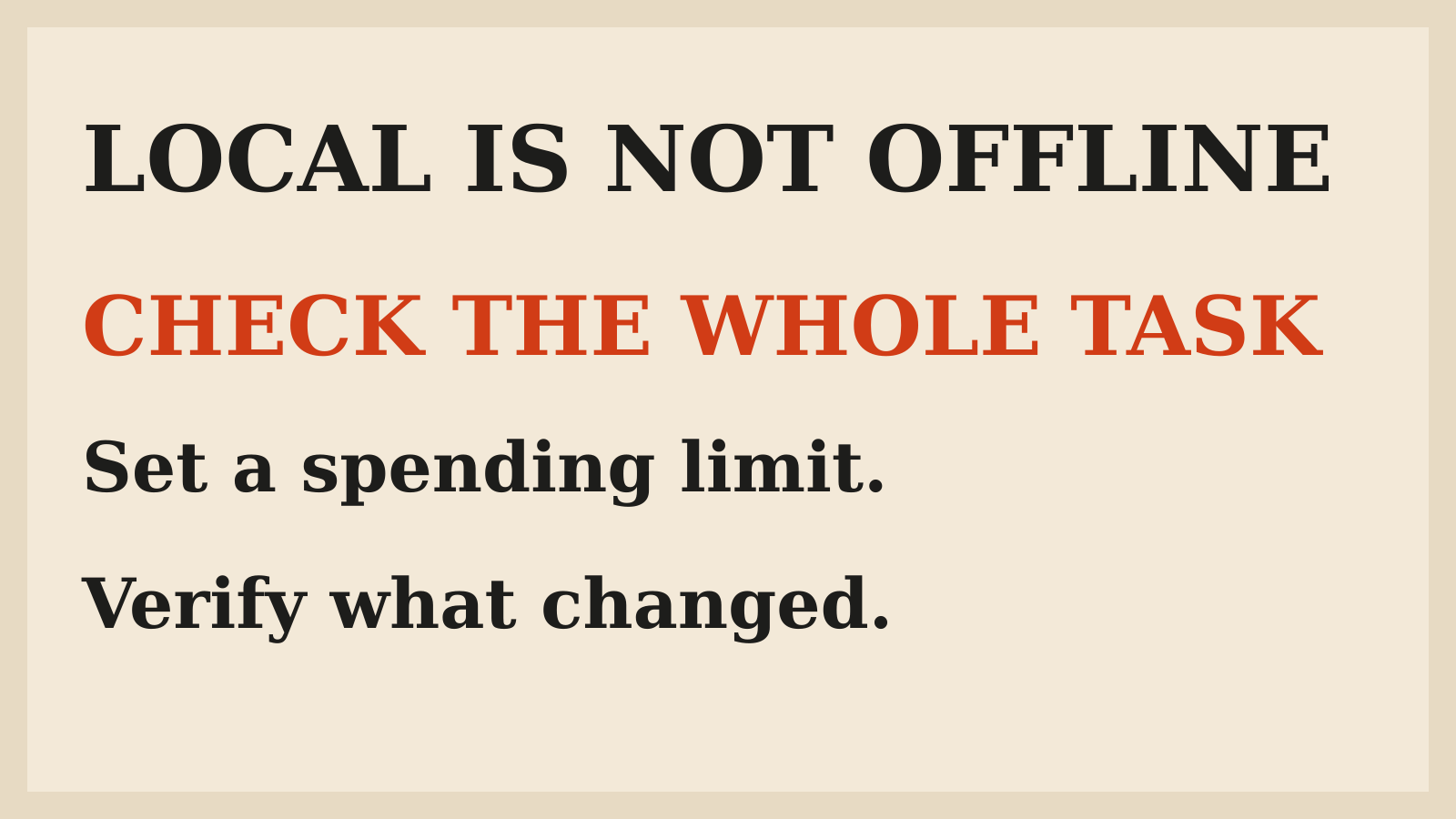
Local does not mean offline
Nod runs on the machine hosting it, and its published description says files, memory and saved logins stay there. Its model provider still receives the context needed for tasks. The repository also says app connections use a connection service hosted by n8n by default[2].
Those are different data paths. A claim about where local files live does not establish what the model sees, what the connected service returns or which provider policy applies. Choose the model and account with the sensitivity of the task in mind.
The repository says basic usage sharing is on by default for new users and can be disabled in Settings under Privacy and data. Review that control and the current data documentation rather than summarizing the app as entirely private because it is open source.
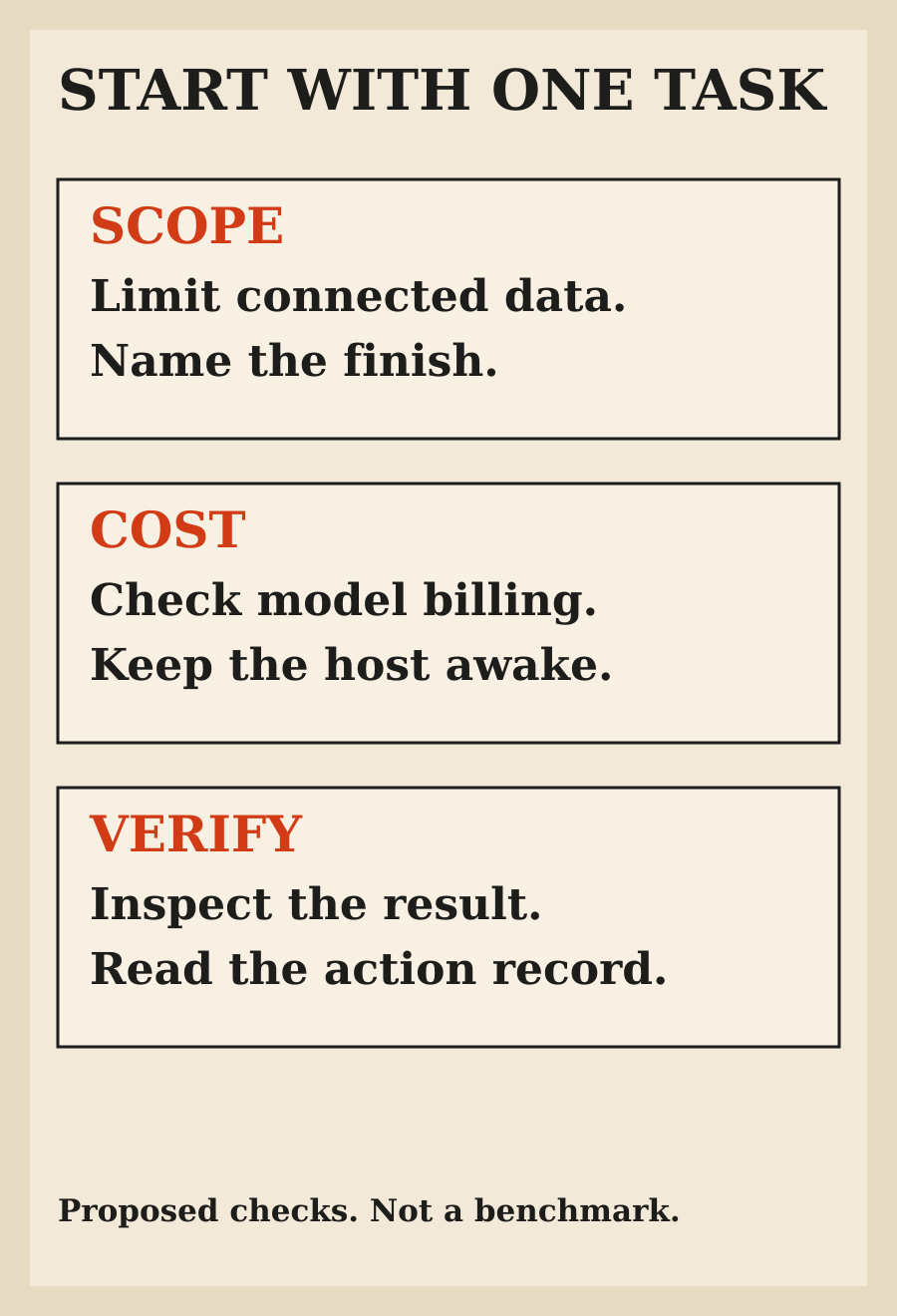
For an initial test, provide only what the task needs. If the goal is to find an invoice, do not start by adding unrelated client files. If the task needs an account, understand why that connection is required before authorizing it.
Free software still has a usage bill
Nod's announcement says you bring a model provider, using an API key or a supported ChatGPT plan, and pay for the AI you use. It also describes the option of an open-source model on your own computer[1]. Do not infer that every feature, provider or subscription has identical billing behavior.
The current setup documentation (opens in a new tab) is the place to check your chosen provider route[3]. The useful number is the cost of an accepted task, not the cost of one response. An agent may revisit a page, retry a form or inspect several sources before finishing. A cheap model can still be costly if it needs many attempts or leaves you with cleanup.
Nod documents per-task costs, a monthly spending limit, estimated monthly schedule costs and a check-in when a task passes $5, with that threshold adjustable. Treat these as controls to inspect and configure, not a guarantee that every trial will be inexpensive.
Before starting recurring work, decide what one successful run is worth and how often it should happen. Check the provider's billing alongside the app's receipt. A free download should not become an unexplained ongoing model bill.
A sleeping laptop stops scheduled work
The documented limit is simple: when the computer running Nod sleeps, Nod stops. The announcement suggests an always-on machine or a self-hosted server for people who need continuous operation; a hosted version is described as future work[1].
That matters more than an impressive scheduling demo. A morning brief cannot reliably depend on a laptop that is shut for the night. A price check will not become timely merely because the schedule was saved correctly.
Do not buy new hardware before a small trial establishes that the tasks are useful. First check when your current machine is actually on, whether missed work is obvious and what should happen if a deadline passes while the host is unavailable.
For anything important, keep an independent fallback until you trust the whole path. The fallback should help you notice a missed outcome, not just confirm that a schedule exists.
Start with work you can verify
The announcement gives examples such as collecting supplier invoices, extracting dashboard numbers and watching a price. Those are vendor examples of intended use, not evidence that Nod will complete every portal or site without help[1].
A good first task has a specific source, a small scope and a finish you can inspect. For example, locate one named document and report where it was found before expanding to a monthly filing routine. That is a proposed trial, not a report of using Nod.
Avoid a first test that can spend money, send a message or delete data. Those actions may eventually be useful, but they raise the cost of an error before you know how the app behaves with your accounts.
Ask for a final result that separates what was found, what changed and what could not be verified. The same principle appears in the guide to checking an agent's final state: a confident completion message is not the external result itself.
Safety claims deserve a bounded trial
n8n describes permission checks, encrypted saved logins and an action record. It also explicitly says its safety check is a model judgment and can make mistakes[1]. Keep both parts of that description together.
Open source is useful for inspection and accountability, but it does not prove the installed app has no bugs or that an action will always match your intent. A research preview should not be treated as an audited guarantee merely because the repository is public.
Before allowing a consequential action, make the requested recipient, destination, amount or affected item explicit. If the task changes from reading a page to submitting something, review that change as a real decision rather than a technical continuation.
Inspect the actual record after the trial. Did it reach the right account? Did it stop when the source was unclear? Was the final result visible outside the conversation? These are suggested checks for your evaluation, not claims about Nod's measured error rate.
Keep personal convenience separate from client access
Nod's single-owner positioning can suit a freelancer's personal administration. It does not automatically settle who can authorize work in a customer's accounts, where client documents may go or who should receive the result.
Start with the service and data rules already approved for that project. Do not add a client mailbox because a demonstration made the connection look easy. If you need only a public page, there may be no reason to connect private apps at all.
Likewise, a recurring task needs an owner for exceptions. When a supplier changes its portal or an invoice is missing, somebody must decide whether to retry, ask for help or stop. An automation that hides that uncertainty creates a new administrative problem.
The AI-built app launch checklist makes a related point for software: the happy path is only part of readiness. Account boundaries, failure handling and a way to notice missing work belong in the trial too.
My recommendation
Try Nod when you are comfortable selecting a model provider, understanding its costs and keeping the host available. Begin with a small, non-critical task whose result is easy to inspect. Then decide whether it genuinely saved work after setup and correction are included.
Do not adopt it on the strength of a memory score or a promise that it can work across websites. Your useful evidence is a task completed correctly, at a cost you expected, with data access you meant to grant.
If that trial works, expand one boundary at a time: another source, a recurring schedule or a more consequential action. Keep the final state and the bill visible as the job grows.
FAQ
Is Nod the same as n8n?
No. It is a standalone n8n Labs research preview for personal agent work. You do not need an n8n account to start.
Is Nod free?
The software is free and open source. Model usage may still be billed by your chosen provider or subject to the limits of a supported subscription.
Does running locally keep everything offline?
No. Task context can go to the model provider, and the documented default app-connection service is hosted by n8n. Review the actual data paths and settings.
Will scheduled work run while my laptop sleeps?
No. The documented behavior is that work stops when the host sleeps. An always-on setup needs its own evaluation and maintenance.
Does open source prove Nod is safe for every account?
No. The product is a research preview and its own announcement says its safety check can make mistakes. Start with limited access and inspect the result.
Did you install Nod for this article?
No. This guide reviews current documentation and proposes a first-task evaluation. It does not report installation, account access or hands-on results.