Businesses in ChatGPT: Claim Your Business Without Confusing It With an Ad
- AI Agents
- Guides
- ChatGPT
- Business discovery
- AI agents
- Written by
- Bhargav Tibadiya
- Published
- Reading time
- 9 min read
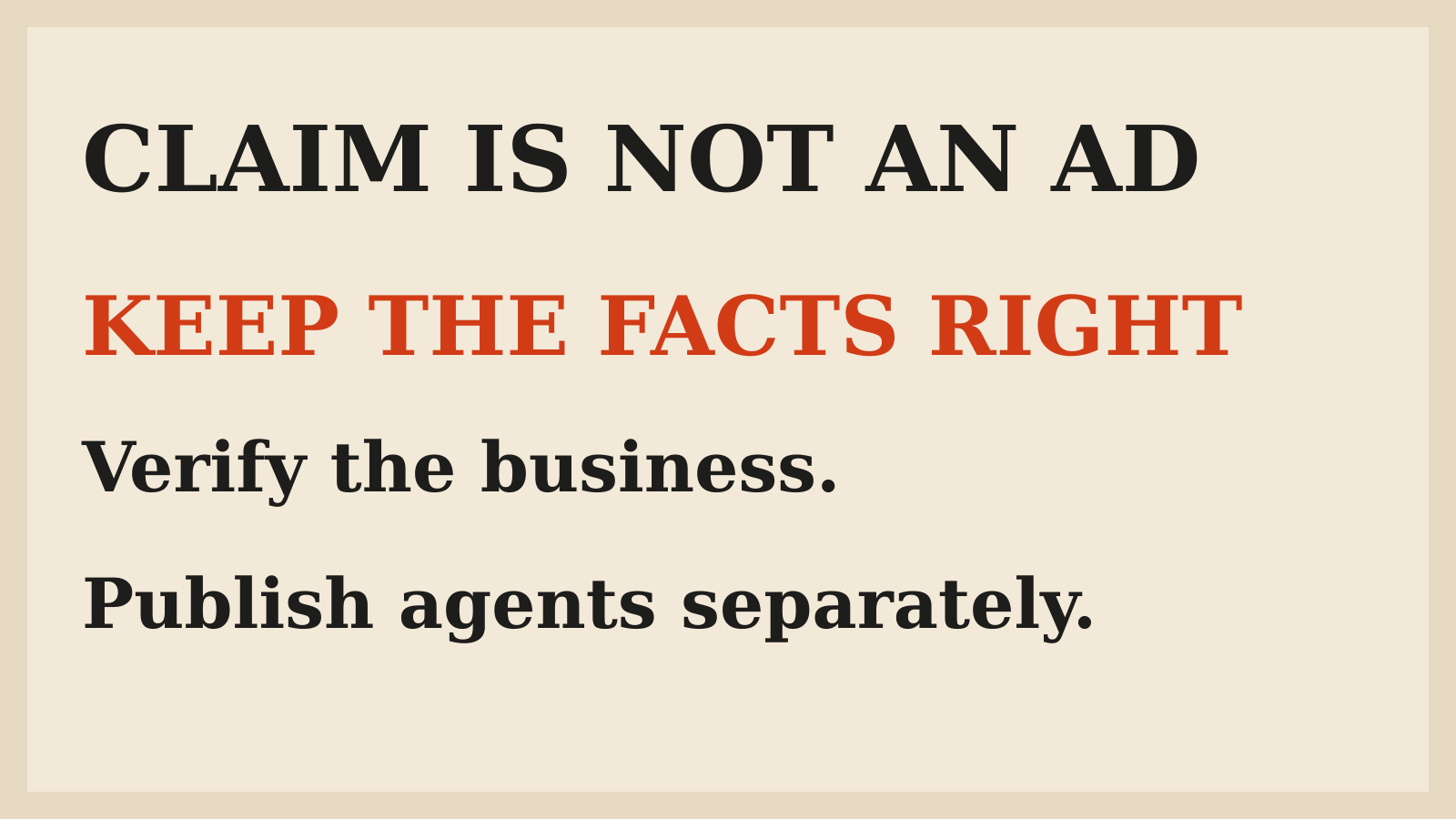
Businesses in ChatGPT lets an eligible business manage the information it supplies, connect product data and understand some aggregate discovery activity. It does not let you buy an independent recommendation by claiming a profile. A Business Agent and a sponsored placement are separate from that profile, and each needs its own eligibility and publication checks[1].
OpenAI introduced the beta on November 10, 2026[2]. The useful small-business question is not whether AI search has replaced your website. It is which public facts you can maintain, what customers can ask and what the product actually promises in your location.
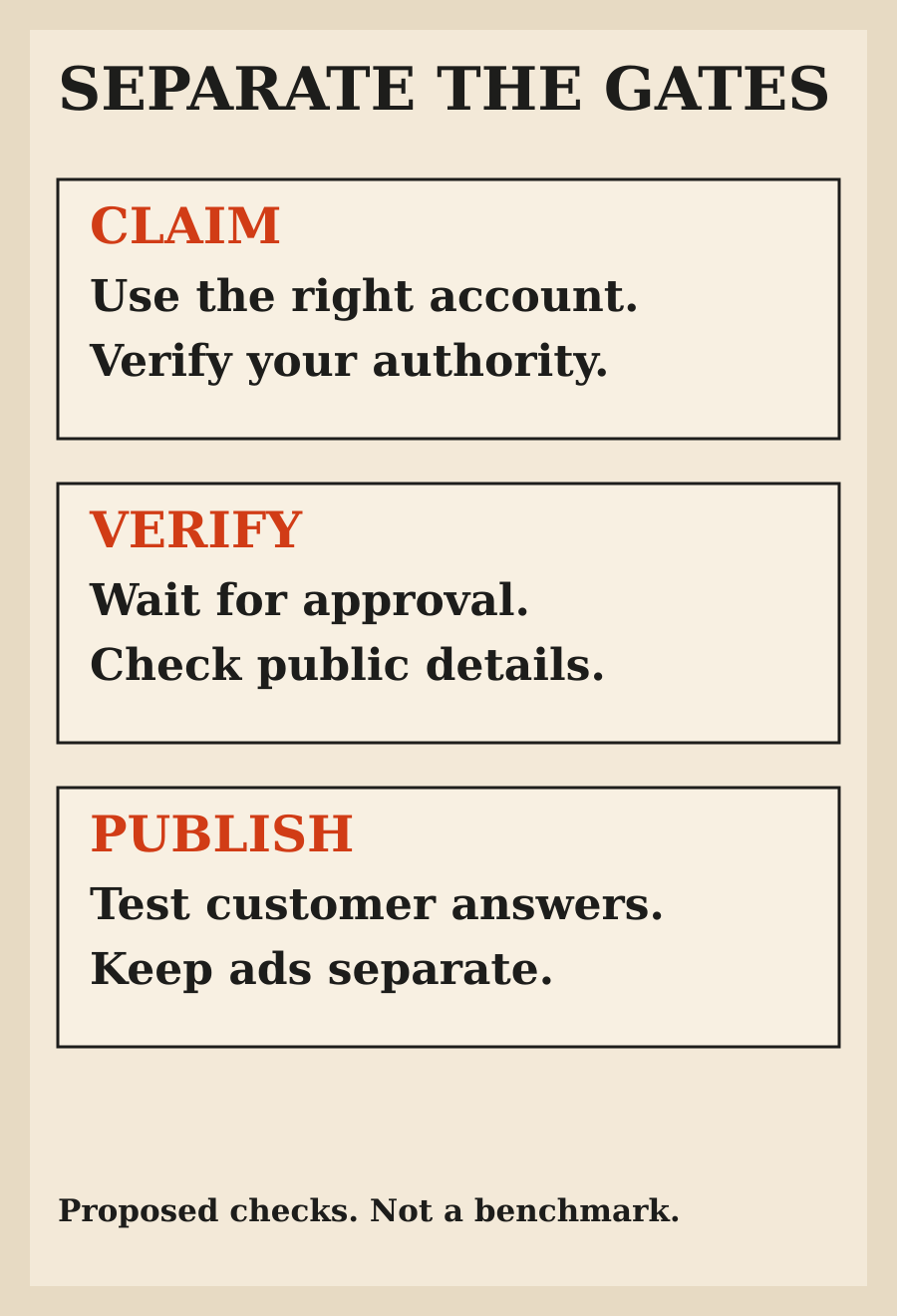
This guide is based on OpenAI's announcement and setup documentation checked November 11. I have not claimed a business, verified an identity or measured a change in discovery. The review examples below are proposed checks, not results from a live account.
What Businesses in ChatGPT actually changes
The first part is Business Hub: a place to claim the business, manage details and supply product information. Once the required verification is complete, the business can use available insights such as mentions and website clicks. None of that requires publishing an agent or buying ads[1].
The second part is a customer-facing Business Agent. It answers questions about offerings and policies using business information. A customer chooses to enter its labeled conversation rather than unknowingly staying inside ChatGPT's independent answer[2].
The third part is advertising. A sponsored agent can be the destination for an eligible ad. Do not collapse these into a single setup called getting on ChatGPT. Each has a different purpose, and the current setup paths do not all share the same settings.
If your immediate problem is an old return policy or an incorrect website, start with information quality. A conversational agent does not make inaccurate source material more useful. The AI-shopping readiness guide covers that broader store-maintenance work.
Check eligibility before preparing a launch
Business claiming depends on the business's location, type and supported verification. The setup guide says eligible businesses can claim or add a business where ChatGPT is available and the required verification is supported. Local stores and restaurants can currently claim only an existing US listing[1].
Business Agents have a narrower launch scope: eligible ecommerce and online service businesses in the United States with a website, subject to industry requirements. A business may qualify to manage a profile without qualifying to publish an agent.
For a business outside the US, do not read the broader profile language as an agent-availability promise. Check the options actually offered to that business and the current eligibility rules. This article does not establish that a particular Indian business can claim a listing or publish an agent.
Also distinguish this product from a ChatGPT subscription for your staff. The setup guide says an eligible business does not need an Ads account or a ChatGPT Enterprise agreement just to claim it. Buying a workspace plan is not a substitute for the business's verification or category requirements.
Choose the account that should own the relationship
Only an owner or someone authorized to represent the business should submit a claim. Before starting, decide which account will manage it and whether the person has the required access to the business email, phone, domain or store.
The supported claim methods can include a business phone, business email, a domain TXT record or Shopify. Use the method actually shown for your business. A domain change should be handled by the person who controls that domain, not improvised from a screenshot in a third-party tutorial[1].
OpenAI reviews the claim and emails a decision or a request for more information. Submission is not approval. If the listing is locked or already claimed, use the documented support or ownership-dispute path rather than creating a confusing second identity.
For teammate or agency access, the guide directs the claiming admin to invite people through Business Hub using their own accounts. A personal claim invitation is not something to forward around as shared access. Make the ongoing owner clear before an agency completes the setup.
Persona verification is a separate approval
A successful claim alone does not complete every requirement. Persona verification is needed before publishing information changes, connecting a feed, viewing insights or creating an eligible agent. The verified badge appears after that verification is approved, not simply after a claim is submitted[1].
The process may ask for government-issued ID, registration details and proof of authority. Review what is requested in the official flow and make sure it matches the business's records. Do not send those documents to someone merely claiming to offer faster access.
There is an important publication consequence: when Persona is used to create a new profile, OpenAI's approval automatically publishes that profile. There is no separate profile-publish step in that route. Continue only when the public identity and information are ready.
Agent publication is different. It remains a separate optional action after the required approval. Keep a short record of what was submitted, what was approved and which public changes have actually appeared. That prevents pending verification being mistaken for a completed launch.
Prepare information that can survive customer questions
After claim and Persona approval, Business Hub can accept details such as the website, description, category, logo, delivery policy and return policy. OpenAI reviews and publishes changes, and they may take time to appear. ChatGPT can also use other sources when answering a question[1].
Start with facts that would be expensive or embarrassing to get wrong. Which products are available? Where can you deliver? Which return exclusions apply? What should happen when the customer asks something you have not announced?
Keep the source pages and the supplied information consistent. A new policy in Business Hub and an old policy on your website create a contradiction, not an optimization strategy. Decide who maintains each fact and what event should trigger an update.
Avoid ungrounded superlatives. A clear description of the product, intended customer and actual limitations is more useful than instructions telling an agent to recommend it to everyone. The goal is a correct explanation, not a fabricated reason to close the sale.
A product feed does not guarantee a recommendation
Eligible sellers can connect product feeds, including Shopify, to supply prices and availability. The setup guide also supports a CSV feed following its required specification and a hosted URL pointing to the feed file. The products still have to meet the relevant commerce policies[1].
Connecting the feed does not publish an agent or guarantee a product recommendation. Treat the feed as maintained data, not a ranking purchase. Check identifiers, prices, available variants and the destination pages before considering it ready.
For a proposed review, compare a few products against the live store: a normal item, an unavailable variant and one with an unusual policy. These are suggested acceptance checks, not a prescribed sample size or a report of testing this beta.
Do not expose private margins, internal customer records or credentials as product information. Customer-facing facts should be useful on their own. Anything confidential needs a separate reason and a supported access boundary, not a convenient place in a public-facing feed.
Test an agent's answers before publishing it
Once an eligible business can create an agent, review the information it will use and preview realistic questions. The current Business Agent can explain products and policies and link to the website. It cannot complete a purchase, make a booking or inspect a customer's order[1].
Ask about the edge cases most likely to cause confusion. Can a customized order be returned? Does a delivery estimate apply to the customer's location? Is a requested variant actually offered? If a future product has not been announced, the agent should not invent a release date.
Fix the underlying information when the answer is factually wrong. Adjust response guidance when the problem is how it handles uncertainty or directs the customer to support. Then repeat the same question rather than assuming a saved edit corrected the public experience.
Only customers of a published agent can chat with it. A draft, an approved profile and a working preview are different states. This is the same distinction that matters when reviewing an AI-built app before a customer launch: prepared is not published, and published is not automatically correct.
Read insights as aggregate signals, not customer transcripts
Business Hub insights cover aggregate activity over the past 28 days. The definitions matter. For an online business, a mention counts when ChatGPT references its website, not merely when it spells the brand name. A local business mention uses a different location-result definition[1].
Discovery topics group themes in answers that mentioned or cited the business. They do not reveal individual prompts or directly measure customer intent. Businesses do not receive consumer conversations, including chats with their Business Agents.
A blank metric can mean that a reporting threshold has not been reached, collection is still in progress or reporting is unavailable. It does not necessarily mean there was no activity. Do not turn a blank dashboard into a confident conclusion that customers cannot find the business.
Use the signals to identify information worth checking. A common topic may suggest a policy page needs a clearer explanation. It does not establish why an individual bought, left or asked a private question.
Advertising has a separate setup and cost decision
The announcement describes sponsored agent placements as labeled and separate from ChatGPT's answers. The Ads Manager guide adds a practical limit: Business Hub and Ads Manager agent settings do not currently sync. A sponsored agent is created, tested and published in the eligible ad account[3].
Publishing that sponsored agent does not start ad delivery. The guide separately requires enabling it on an eligible campaign. Its campaign billing settings apply, with no separate per-chat or per-message charge for that agent conversation. That is not a statement that running an ad campaign is free.
If you are only trying to correct your public business information, do not create a campaign as an assumed part of setup. Decide the advertising objective and spend separately. And do not expect ads to change ChatGPT's independent answers.
My recommendation
Start with the smallest useful outcome: accurate public information under the right owner. Verify eligibility, complete the required approvals and check what actually appears. Add an agent only when the business qualifies and you can maintain and test its answers.
Before any campaign, settle the advertising decision on its own terms. A profile, a useful customer agent and a paid placement can complement each other, but they are not interchangeable ways to buy trust.
FAQ
Will claiming my business make ChatGPT recommend it more often?
No increase is guaranteed. Claiming lets you manage supplied information; it does not give you control over independent recommendations.
Are Business Agents available outside the US?
The documented launch is for eligible US ecommerce and online service businesses. Profile-claiming eligibility is separate and depends on location, business type and supported verification.
Is claiming enough to receive the verified badge?
No. The badge follows approved Persona verification, which also gates information publishing, feeds, insights and eligible agent creation.
Can a Business Agent take a booking or complete a purchase?
Not in the documented current experience. It can explain offerings and policies and link customers to the website for those actions.
Can I read individual customer chats in insights?
No. The reporting is aggregate and does not expose individual prompts or Business Agent conversations.
Did you claim or test a business for this guide?
No. This is a documentation-based guide, with suggested review checks rather than results from a claimed account.