Seedream 5.5: Transparent Product Images Without Losing the Label
- AI Coding Tools
- Seedream
- AI images
- Ecommerce
- Product photography
- Written by
- Bhargav Tibadiya
- Published
- Reading time
- 7 min read
Seedream 5.5's most practical addition for a store owner is native transparency. Instead of generating an image and then removing its background in another tool, the model can produce an asset with an alpha channel. That could make product layouts, stickers and reusable campaign elements easier to assemble.
ByteDance announced the model on November 9, 2026, alongside claims of more stable repeated editing and better realism and small text[1]. The part I would evaluate first is narrower: can you obtain a usable asset without changing the product you are trying to sell?
This is a source-based guide checked November 10. I have not generated a campaign with Seedream 5.5 or repeated its 100-edit demonstration. The workflow and acceptance checks below are proposed methods, not measured results.
What native transparency changes
An image with a white background and an image with transparency can look identical on a white page. They behave differently when placed over a colored design. The first carries its rectangle with it; the second can let the new background show through.
ByteDance describes native RGBA output with full and partial transparency. Its examples include standalone subjects, layered characters and textured lettering that can be reused in layouts[1]. The product page also shows examples of extracted subjects and transparent creative assets[2].
For a product campaign, that is useful when the same object needs to appear across a hero banner, a promotional tile and an email. It does not eliminate the need to inspect edges, shadows and semi-transparent materials after export.
Keep the real product as the reference
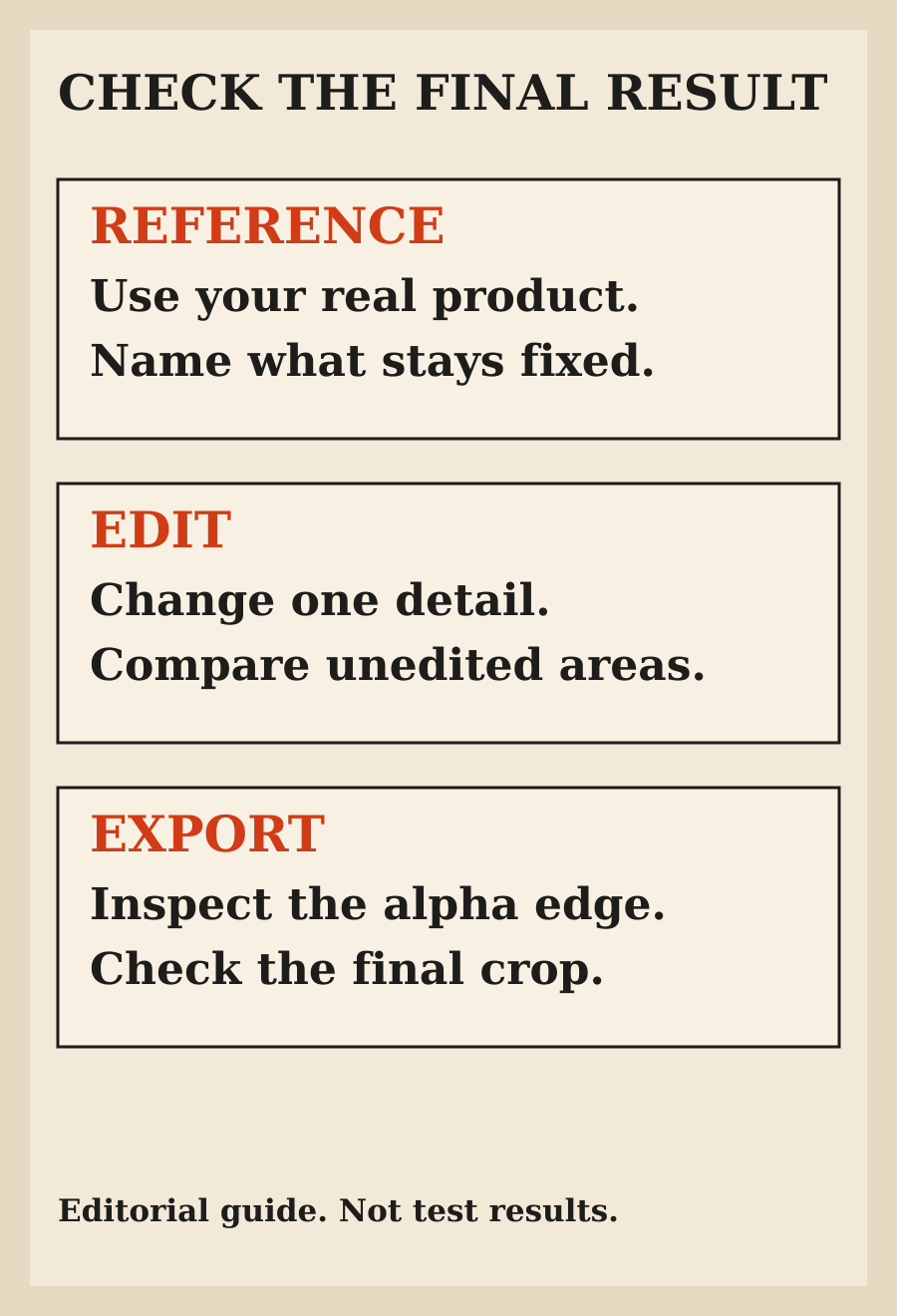
Start with a product image you have permission to use. Identify what must remain accurate: shape, color, packaging, label text, material and any detail a buyer relies on. Separate those constraints from the background or styling you want to change.
For example, a proposed brief might ask for a transparent asset based on the supplied bottle, preserving its silhouette, cap, label wording and color. That is an illustrative prompt direction, not a promise that the model will obey every constraint.
Do not ask the model to invent unreadable packaging and then treat the result as a product photo. If a detail cannot be recovered from the reference, provide a clearer reference or keep that detail out of the generated composition.
The label is an accuracy check, not decoration
ByteDance says Seedream 5.5 improves densely arranged small text and complex character shapes. Its announcement includes demonstrations of text-heavy layouts and reports its own evaluation results[1].
Better text rendering is useful, but it is not permission to skip proofreading. Check every visible word, numeral and symbol. A plausible-looking label can still contain a wrong quantity, a missing warning or a claim your product does not make.
For ecommerce, correctness matters more than whether the text resembles a polished advertisement. Compare the generated asset with approved packaging, not with a memory of what the label probably said. If necessary, add exact label artwork in a conventional design tool rather than repeatedly asking a model to approximate it.
What the 100-edit demonstration does and does not prove
The announcement describes 100 successive edits using each output as the next input. It says targeted training helps preserve unedited regions at the pixel level while reducing color shifts and accumulated degradation[1].
That is a vendor demonstration under its chosen conditions. It does not establish that every upload, subject or edit sequence will preserve every important detail for 100 rounds. Independent launch coverage also describes those capabilities as ByteDance's claims, not a guarantee for an individual campaign[3].
Use a smaller acceptance test. Make one intended change, compare the areas that should stay fixed, then decide whether to continue. Saving an accepted version is more useful than assuming a long edit history will remain clean because a launch demo did.
Change one thing at a time
A request to change the background, lighting, camera angle, label and material at once makes it hard to understand which step caused a problem. Start with the change that matters most, then compare before continuing.
For a product tile, I would first settle the product itself. Then adjust its placement and background treatment. Finally, check the crop and any text added around it. This is a suggested review order, not a tested Seedream-specific recipe.
Keep the reference, the latest accepted asset and the final export together. A file named final is not evidence that somebody checked it. Name the actual approval state so a draft does not quietly become the customer-facing image.
Inspect the alpha edge on more than one background
A cutout can look good on white and show a pale fringe on a dark background. Fine hair, feathers, glass and soft shadows deserve closer inspection because their boundaries are not simple hard outlines.
Place the exported asset on the background where it will actually appear. Also inspect it against a contrasting background to make unwanted edges easier to see. Zoom in for edge defects, then return to the intended display size to judge whether the asset reads clearly.
Partial transparency is especially important for translucent materials. Do not accept a glass object that becomes an opaque sticker merely because its outer rectangle is transparent. Check the material's appearance in the final composition.
Reuse is useful only when identity stays consistent
The official product page shows reusable characters and creative elements across compositions[2]. For a business, the equivalent requirement is recognizable product identity across placements.
Compare the variants next to each other. Does the cap change? Does the logo shift? Does a supposedly identical surface become a different material? A series can look individually convincing while describing several different products.
Keep an accepted reference available throughout the work. If consistency drifts, return to the last accepted state rather than building the next variation on top of a known mistake. The goal is a usable family of assets, not the longest possible chain of edits.
Read the evaluations as evidence of a direction
ByteDance reports improvements across production uses including ecommerce, marketing, film, games, office work and fashion. It describes evaluator judgments and comparisons with other image models[1].
Those results support investigating the model. They do not show what your own review pass will cost or how often your specific product will need corrections. I would not turn the announcement into a claim that Seedream is universally better than every alternative.
If you already have a working image workflow, compare on the same reference and intended output. Count rejected images, corrections and time spent checking. A cleaner first result can matter more than an impressive headline score.
Access and usage are separate from the feature announcement
The announcement and model page establish the advertised capabilities. They do not give this guide enough evidence to promise a particular reader a fixed quota, price or identical controls in every entry point. Check the service you will actually use before committing a paid campaign to it.
ByteDance also says a Pro version will follow[1]. Do not treat that future version as something tested here or assume that every feature shown belongs to the same plan you can access today.
The same caution applies to commercial use. Confirm the terms for your account and output, the rights in your uploaded references and any people, logos or artwork included in the finished asset.
Why the illustrations here are original
The source announcement contains useful examples, but permission to view an image is different from permission to republish it. The Seed website's disclaimer reserves rights in its images and other content and generally requires prior written consent for reuse unless applicable law permits otherwise[4].
The visuals in this guide are therefore original editorial diagrams. They explain the review process without presenting borrowed examples as our own output. Follow the source links to inspect ByteDance's actual demonstrations in their original context.
My take
Native transparency makes Seedream 5.5 worth watching for practical design work. More stable editing could help when a product asset needs several small adjustments. Neither feature changes who is responsible for the finished advertisement.
Try one real reference and one bounded output first. Check the label, unedited regions, alpha edge and final placement. Keep the asset only when it matches what you sell and works where the customer will see it.
FAQ
When was Seedream 5.5 announced?
ByteDance announced it on November 9, 2026. This guide was checked on November 10.
Can Seedream 5.5 generate transparent backgrounds?
ByteDance documents native RGBA generation with full and partial transparency. Check that the service and export path you use expose the required output.
Does a white background mean the image is transparent?
No. Test the file over a contrasting background and inspect its alpha channel or transparency behavior in your design tool.
Does the 100-edit demonstration guarantee my product stays unchanged?
No. It is a vendor demonstration, not a guarantee for every subject or edit sequence. Compare each accepted result with the real reference.
Can I skip checking the label?
No. Improved text rendering does not establish that a product's words, quantities or claims are correct. Compare against approved packaging.
Did you test Seedream 5.5 for this guide?
No. This is a documentation-based explanation and proposed review workflow, not a hands-on campaign test.
Sources
Elsewhere on this site
Turn a product photo into a campaign with ChatGPT Images 2.6 covers reference-led campaign planning and final export checks.